

How to Choose a Smart Photo Booth in 2026?
Choosing a Smart Photo Booth in 2026 means looking beyond a bright screen and a polished sample photo. The right booth should fit your venue, audience, and event workflow. Check how it performs in dim light, how quickly guests can start, and whether sharing works reliably on the venue’s network. Ask to see a complete guest journey, from the first tap to the finished image. Small details count.
Photographer and creative entrepreneur Chase Jarvis is widely known for saying, “The best camera is the one that’s with you.” That idea offers a useful lens for choosing a booth: impressive features matter only when guests can use them easily. Compare camera quality, lighting, backdrop options, print speed, customization, and accessibility. Ask what happens if Wi-Fi drops or a printer jams. A short live demo can reveal more than a feature list.
Also examine the less visible parts. Confirm who can access event images, how long files remain available, and what support covers during setup and the event itself. Request clear pricing for software, delivery, printing, and upgrades. Then compare the booth’s footprint with your actual floor plan; a crowded corner can spoil even excellent photos. No checklist catches everything. I’d still leave room to test the booth with real guests, because a quiet demo never fully recreates a busy room.
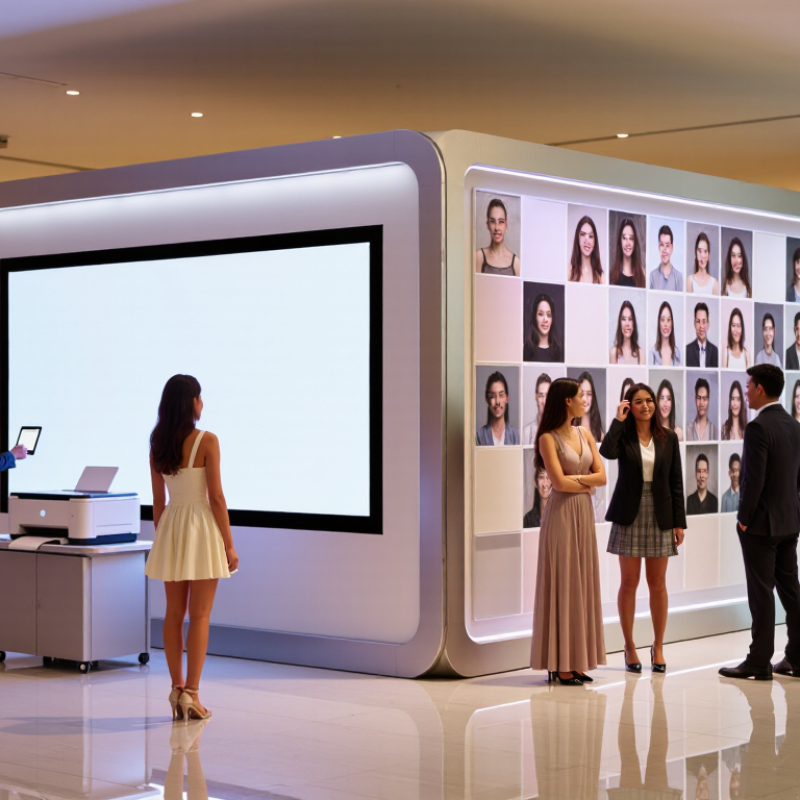
Identify the Event Needs and Intended User Experience
Before comparing features, define what guests should experience from arrival to finished photo.
A wedding booth may need quiet lighting, simple prompts, and prints guests can take to their tables. A busy company event may need a faster queue and digital sharing. Different goals call for different setups.
Estimate attendance and peak demand, not just the total guest count.
If 120 people arrive during a short reception break, a slow set of screens can create a line. Ask how many steps guests must complete, whether staff will assist, and how long each session takes. Test the flow on a phone-sized screen if guests will use one. Small text is easy to miss.
Think about who will use the booth. Children, older guests, and people unfamiliar with touchscreens may need clear instructions and reachable controls.
Keep the background, lighting, and camera position suited to the venue; a bright window behind guests can wash out faces.
It is easy to overvalue filters. That deserves a second look.
A polished image matters, but so does a comfortable, unhurried experience. Decide in advance how photos will be delivered, who can access them, and how long they should remain available. We often overlook that part.
Compare Booth Types, Cameras, Lighting, and Display Options
How to Choose a Smart Photo Booth in 2026?
Compare Booth Types, Cameras, Lighting, and Display Options
A smart photo booth should suit the room, guest flow, and images you want—not just look modern. An enclosed booth offers privacy and a consistent background. An open-air setup handles groups and varied backdrops better. For busy events, check how quickly guests can start and whether staff can reset the booth without blocking the line. Small detail, big difference.
Camera choice affects focus, skin tones, and low-light performance. A dedicated camera often offers more control over exposure and lenses. A tablet camera may be simpler, but can struggle in a dim room. Ask for sample photos taken in conditions like your venue, not just polished studio shots. Lighting matters too. Soft, adjustable light can reduce harsh shadows, while fixed lights may reflect in glasses. Test from seated and standing positions. Screens shape the experience: a clear preview helps guests frame shots, while a separate sharing display may keep the queue moving. Check brightness and touch response. There is no perfect setup; bright screens can wash out in sunlight.
Tips: Bring a sample backdrop and test a full session. Check print size, sharing speed, and screen glare. Setup time is easy to underestimate.
Assess AI Features, Software, Connectivity, and Data Privacy
A smart photo booth should do more than add filters. Check whether its AI can improve lighting, remove backgrounds, and apply effects quickly on the device. Ask how it handles poor indoor light and varied skin tones; a polished demo may hide uneven results. IBM’s 2023 Global AI Adoption Index found that 42% of surveyed organizations actively used AI, while 40% were exploring or experimenting with it. That broader trend makes AI claims common, but not every feature adds practical value.
The software matters just as much. Look for a clear guest interface, dependable sharing options, and simple controls for deleting or exporting images. Test the booth on the actual venue network: crowded Wi-Fi can turn a quick session into a queue. Ask where photos are stored, who can access them, and how long they remain available. Cisco’s 2024 Consumer Privacy Survey reported that 75% of respondents would not buy from organizations they did not trust with their data. Privacy is part of the guest experience.
Tips: Run a short trial under real event conditions. Check upload speed, image quality, and deletion settings. Keep one detail in mind: convenience and privacy can pull in different directions, so review every default rather than assuming it is ideal.
How to Choose a Smart Photo Booth in 2026? — Assess AI Features, Software, Connectivity, and Data Privacy
| Assessment Area | What to Check | Evidence of a Good Fit | Questions or Red Flags |
|---|---|---|---|
| AI Image Features | Check which features are included, such as background removal, themed transformations, portrait effects, or automated image adjustments. | Features work reliably with different lighting, skin tones, hairstyles, and group sizes; the provider explains processing time and limitations. | Are images sent to an external service for processing? Are AI outputs clearly distinguished from unedited photos? Can effects be disabled? |
| Image Quality | Review camera or sensor specifications, lens, lighting, focus, print resolution, and the quality of both digital and printed samples. | Test sample images in the venue’s expected lighting and at the intended print size; confirm that the setup supports the required number of guests per shot. | Are sample images representative of the actual equipment and lighting? Are resolution and print-size requirements documented? |
| Software and Customization | Assess template editing, event branding, consent screens, language options, galleries, analytics, and software update arrangements. | Staff can preview and test the complete guest journey before the event; settings and templates can be changed without rebuilding the event. | Which functions require an ongoing subscription? Can the organizer export event data and images in common formats? |
| Connectivity and Offline Use | Identify the network required for uploads, sharing, remote support, and AI processing; confirm whether the booth can operate without internet access. | The system has a documented offline workflow, such as local capture and queued uploads, where supported; network requirements are tested at the venue. | What happens if Wi-Fi or mobile data drops? Do sharing links, AI features, or printing stop working? Is a wired connection available if needed? |
| Data Privacy and Retention | Review what personal data is collected, where images are stored, who can access them, how long they are retained, and how deletion works. | Written privacy terms specify retention periods, deletion procedures, access controls, and any third parties involved in processing. | Are images used to train or improve AI models? Can that use be refused? Is deletion available for both local copies and cloud backups? |
| Consent and Guest Controls | Check how guests are informed about capture, sharing, image processing, and optional marketing use. | Consent is presented in clear language before capture or sharing, and optional uses are separated from the basic photo experience. | Can guests take a photo without agreeing to promotional use? Is there a straightforward way to opt out or request removal? |
| Sharing and Delivery | Test the available delivery methods, such as QR codes, email, text message, or a private online gallery. | Guests can access their images using a method suited to the venue, and organizers can set appropriate gallery access and expiration options. | Does delivery require guests to provide contact details? Are galleries public by default, indexed, or accessible through guessable links? |
| Accessibility and Ease of Use | Evaluate screen readability, reachable controls, instructions, language support, and the height and positioning of the camera and display. | Guests can understand the steps without staff assistance, and the physical setup can accommodate the expected audience. | Can the interface be used by guests with different mobility, vision, or language needs? Is there a staff-assisted alternative? |
| Reliability and Support | Ask about setup time, equipment checks, replacement arrangements, technical support hours, and staff training. | The provider supplies a written setup plan, tests the complete workflow, and identifies who will respond if the camera, printer, or software fails. | Is on-site support included or separately priced? What is the backup plan for a hardware or software failure during the event? |
| Total Cost and Ownership | Compare equipment, software, AI usage, printing, connectivity, setup, support, storage, and post-event access costs. | A written quote lists recurring and one-time charges, usage limits, and what happens to data and access when the service ends. | Are there per-image, per-event, storage, or export fees? Can the organizer retrieve files before an account or gallery expires? |
Practical tip: Run a complete test event—from guest consent and photo capture through printing or sharing, then image deletion—before making a purchase or booking.
Evaluate Pricing, Setup Requirements, and Ongoing Costs
A smart photo booth’s quoted price rarely tells the whole story. Compare the complete package: camera, touchscreen, lighting, delivery, installation, and staff support. Ask whether setup and teardown are included, and request an itemized quote. A low rental fee can hide charges for custom layouts, extra hours, or travel. Small details matter.
Check the venue before choosing a model. Measure the available floor space, including room for a queue, and confirm access to a nearby power outlet. Some booths need stable Wi-Fi for online sharing, while others can save photos locally. Test the lighting in a dim corner if possible. A bright screen does not guarantee flattering photos. I may be overemphasizing setup, but cramped layouts can cause more trouble than a modest camera.
Ongoing costs deserve the same scrutiny. Estimate print paper, replacement supplies, cloud storage, software subscriptions, payment fees, and routine maintenance. Ask how long image files remain available and what happens if a component fails during an event. Not glamorous, but important. Compare costs across a realistic number of bookings, not just one busy weekend. Keep a small repair allowance; wear and tear rarely follows a neat schedule.
How to Choose a Smart Photo Booth in 2026?
Estimated first-year costs by booth type (USD)
Tablet-based booths typically have lower upfront costs, while DSLR and 360 video setups may require more equipment, setup, and upkeep. These illustrative planning estimates include equipment, setup, one year of software, and operating supplies or maintenance. Actual costs vary by configuration, location, and usage; compare itemized quotes before buying.
Verify Vendor Support, Reliability, and Upgrade Options
A smart photo booth is only as dependable as the support behind it. Before signing, ask who responds when the printer jams, the camera disconnects, or an event runs late. Request support hours, typical response times, escalation steps, and a named contact. Ask for proof. A written service commitment is more useful than a promise made during a sales call.
Check reliability through practical evidence: uptime records, maintenance schedules, replacement-part availability, and references from operators with similar event volumes. Uptime Institute’s 2024 Annual Outage Analysis found that 54% of surveyed organizations’ most recent significant outages cost more than $100,000. That figure is not specific to photo booths, but it shows why downtime deserves serious attention. Test the booth under real conditions, including a busy queue and a weak network connection. Then review what happens if a key component fails.
Finally, check upgrade options before buying. Can you replace the printer or camera without replacing the entire system? Are software updates included, and can older equipment still receive support? Ask about upgrade costs in writing. A low initial price can hide future expenses. I’d also ask how long parts are expected to remain available; vendors may not know precisely, and that uncertainty matters.
